

Training guide
How to plan a training day: a checklist
Plan a training day in this order: fix the headcount and what the session involves, book a room that suits it, agree the layout and timings, test the tech, sort lunch, check access needs, then send joining instructions a week before. Most problems on the day come from skipping one of those steps, not from the training itself.
1. Fix the headcount and what the day involves
Start with two numbers: how many people are coming, and how many you could take if the course fills. Then write one line on what the day involves. Is it mostly talking, group work at tables, practical work on the floor, or slides and notes? The answer decides the room and the layout, so settle it before you call a venue.
Tell us how many people are coming and what the day involves. Then we'll pick the right room and layout. We'll set it up before you arrive.
2. Choose the room
Look for a room that fits the activity, not just the headcount. A room that seats 20 in rows may only take 12 at tables. Check:
- Space to move if the course has practical work, such as first aid, moving and handling, or breakaway techniques.
- Natural light and air for a full day. People learn less in a room they want to leave.
- A breakout space if groups split up during the day.
- Somewhere quiet for anyone who needs a break, especially on sensitive subjects.
3. Pick the layout
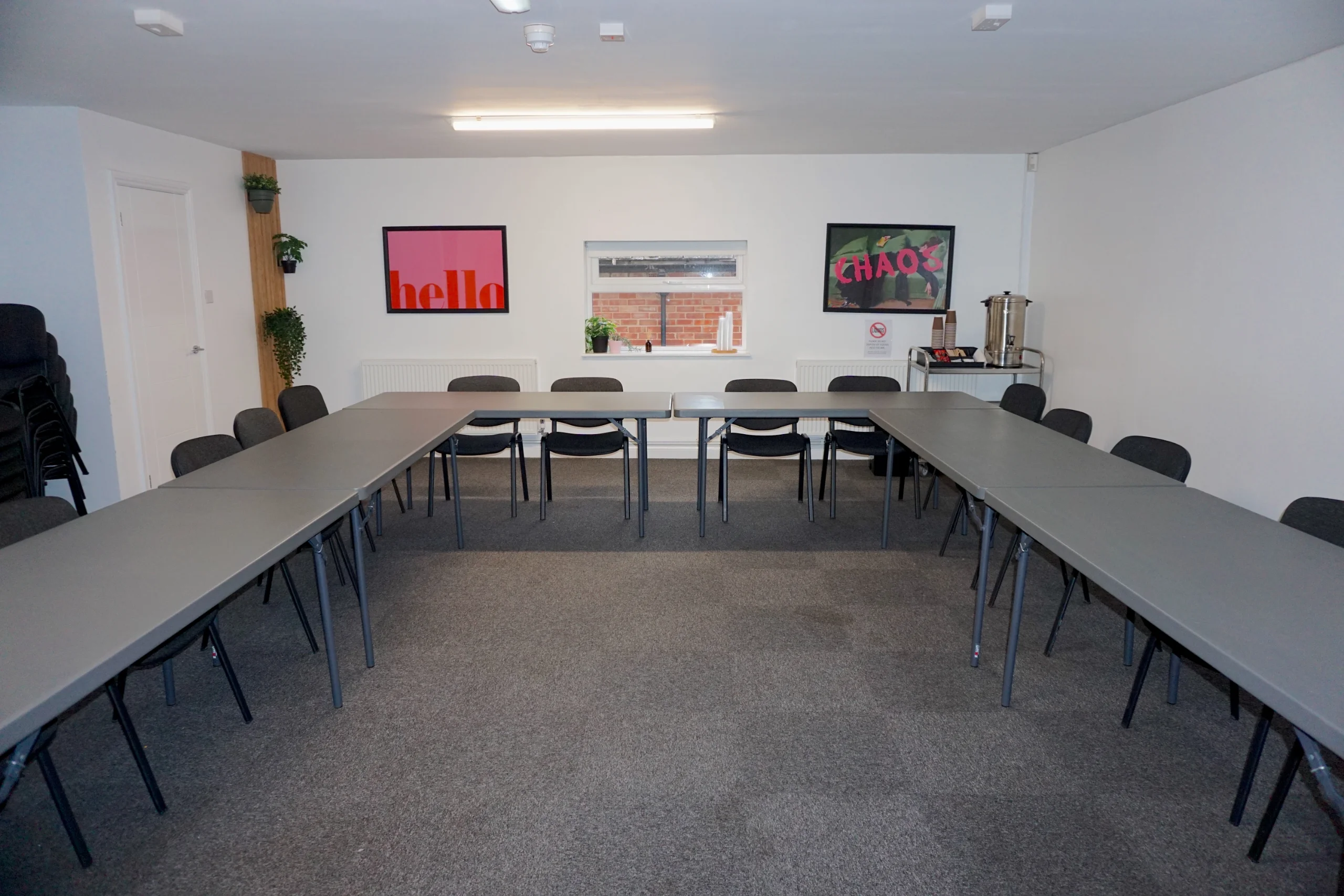
U-shape suits discussion, classroom suits note-taking, cabaret suits group work, and theatre suits talks. Our guide to choosing a training room layout covers each one and when it works.
4. Set the timings
- Start time: 9:30am gives people from across the region time to arrive without rushing the morning traffic.
- Breaks: a short break mid-morning and mid-afternoon, and 30 to 45 minutes for lunch.
- Finish time: 4pm to 4:30pm leaves time for questions without people watching the clock.
- Venue hours: check them. The Maggie O'Neill Centre is open Monday to Friday, 8:30am to 5pm. Evening and weekend room hire on request.
5. Test the tech before the day
Most delays on a training day are a laptop that won't talk to the screen. Ask the venue how you connect: wireless casting, HDMI, or both. Bring your own adaptor if your laptop has only USB-C, and keep the slides on a memory stick as a back-up. Ask about WiFi for delegates if the course uses online material.
6. Sort refreshments and lunch
Tea and coffee all day stop people drifting off at breaks. Order lunch at least a few days ahead, and ask delegates about dietary needs when they register. At the Maggie O'Neill Centre, tea and coffee are included all day, and lunch comes from our catering partner, Superior Catering, who you order from directly.
7. Check access needs
Ask every delegate about access needs when they register, not on the morning. Then check the venue can meet them: step-free access, an accessible toilet, a ground-floor room, and accessible parking. At the Maggie O'Neill Centre: Step-free on the ground floor, with accessible parking and an accessible toilet. No lift to the first floor.
8. Send joining instructions a week before
Send one short email with everything a delegate needs:
- The venue name, address and postcode, and a map link.
- Parking: where, how much, and what to do if it's full.
- Start and finish times, and when to arrive.
- What to bring, and what to wear for practical sessions.
- Whether lunch is provided.
- Access information, and who to tell about any needs.
- A phone number for the day. For the Maggie O'Neill Centre, that's 0151 482 0408.
9. Know the booking terms
Check what happens if numbers drop or the trainer is ill. Our terms are short: A standard booking is one room for one day. It's free to cancel or change up to 1 business day before your start time. After that, the full booking cost is payable. Larger bookings are fully chargeable once booked, with a 25% deposit to secure your dates. The full version is in our booking terms.
10. After the day
Note what worked: the room, the layout, the timings, the lunch order. If you run the same course again, the venue can keep those notes so the next day is set the same way without you having to ask. At the Maggie O'Neill Centre, your hosts keep room notes for next time.
Booking training for a particular sector? See our care training venue, NHS training venue, council and public sector training, fostering and adoption training venue and Oliver McGowan training venue.